

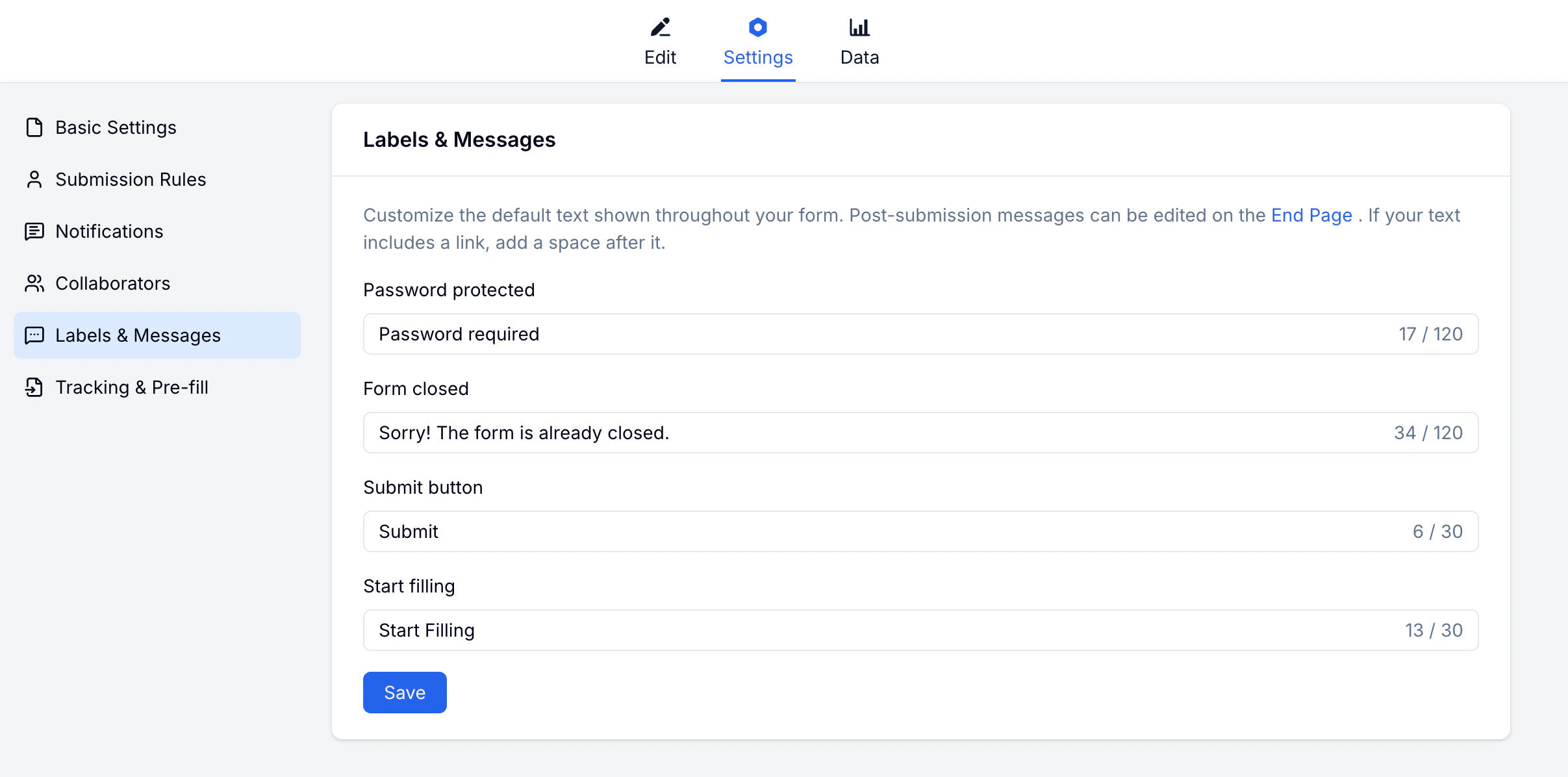
What You Can Customize
| Label / Message | Default text | When shown |
|---|---|---|
| Submit button | Submit | The final submit button |
| Start filling | Start | The button to begin filling the form |
| Password protected | This form is password protected | When the form requires a password |
| Form closed | This form is closed | When the form is no longer accepting submissions |
How to Customize
Related
Basic Settings
Control form access and scheduling
Themes
Customize colors and visual style
Custom Branding
Match form wording with your brand identity
Lead Generation Templates
Customize button labels for campaign and signup forms