

Roles & Permissions
| Role | What they can do |
|---|---|
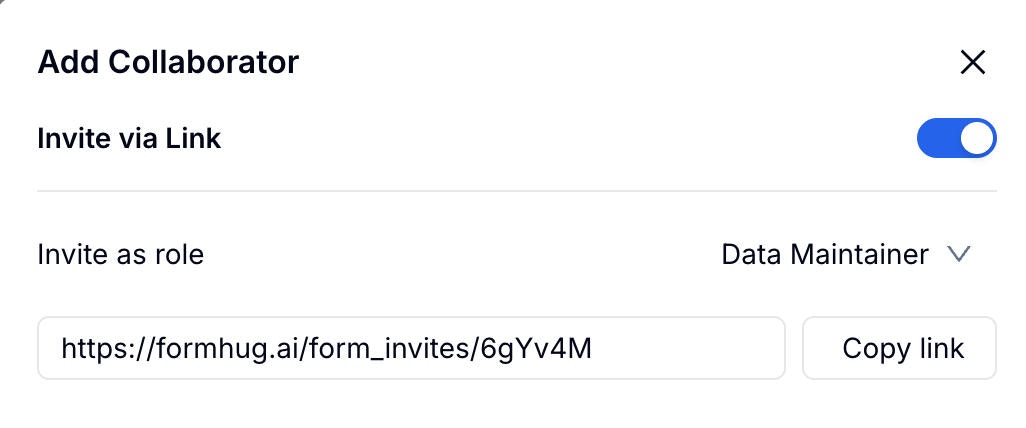
| Form Admin | Full control: edit form, change settings, manage data |
| Data Maintainer | View and edit submissions, export data |
| Data Viewer | View-only access to submissions |
Permission Details
| Action | Admin | Maintainer | Viewer |
|---|---|---|---|
| Edit form | ✓ | ✗ | ✗ |
| Change settings | ✓ | ✗ | ✗ |
| View submissions | ✓ | ✓ | ✓ |
| Edit submissions | ✓ | ✓ | ✗ |
| Delete submissions | ✓ | ✓ | ✗ |
| Export data | ✓ | ✓ | ✗ |
Adding Collaborators
Managing Collaborators
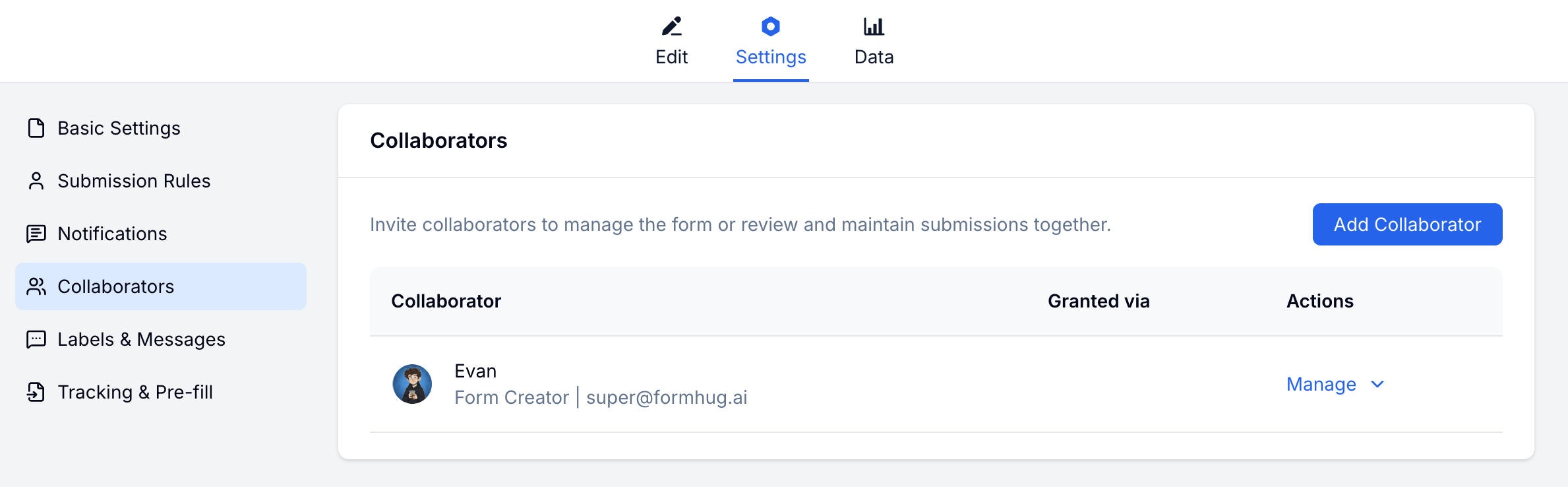
View all current collaborators on the Collaborators settings page. You can change a collaborator’s role or remove them at any time.Related
Team Collaboration
Learn more about team features
Pricing
Review plan options for teams and collaboration